
Can you detect OBS or a virtual camera in an interview?
Yes, but rarely by watching. OBS and other virtual cameras reach a call like any webcam, so you need a check that sees how the video got there. Camera software has honest uses too, so treat a finding as a reason to ask, not as proof.
On this page
Key takeaways
- It looks like a webcam. Camera software reaches the call as an ordinary camera, so the picture rarely gives it away.
- It has honest uses. Lighting, backgrounds and slides are all common. Ask, do not accuse.
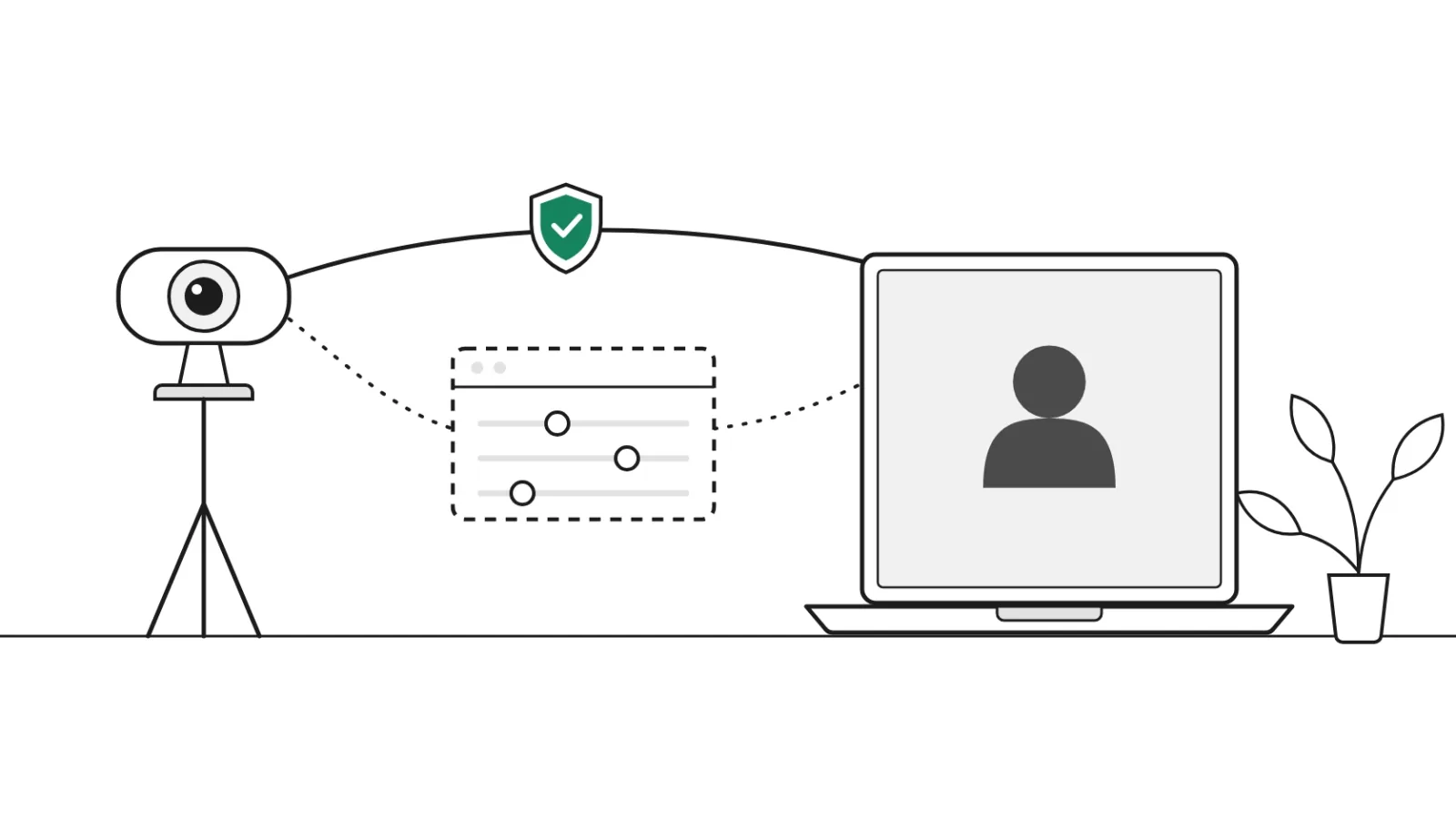
- The route is the fact to check. A direct camera and camera software take different routes into the call.
- Tested. 29 of 29 tries each on 9 kinds of camera software and 7 direct cameras (September 30, 2026).
OBS Studio is a popular free tool for streaming and recording, and its Virtual Camera is used by plenty of honest people. It also means the video in your interview may not come straight from a webcam. This guide explains what a virtual camera is, what you can and cannot see, and what to do if a candidate is using one.
What a virtual camera is
A virtual camera is software that other apps can pick like a webcam. The OBS guide describes its Virtual Camera as a way to share an OBS scene with "any applications that can make use of a webcam", and names Zoom, Skype and Discord. ManyCam calls itself "an easy-to-use virtual camera and live streaming software". OBS, ManyCam and similar tools are ordinary products with ordinary uses: better lighting, a tidy background, slides or a second camera.
Why it matters in an interview
Whatever the software shows can go into the call. That can be the candidate's webcam with a cleaner background. It can also be a recording or another face. The FBI warned in June 2022 of complaints about deepfakes and stolen identities used to apply for remote jobs. The README of one open-source face-swap project, Deep-Live-Cam, read on November 1, 2026, tells webcam users to stream with "a screen capture tool like OBS".
So camera software is not a problem in itself. A swapped face or a recording is often sent into a call this way, which is why it is worth knowing about. More on this is in the guide to deepfake candidate detection.
What an interviewer can see
In the call, you see a picture. You do not see which device made it. A clean picture does not prove a direct camera, and a glitchy one does not prove camera software. Honest webcams freeze and blur too.
You can ask for simple actions on camera. BrightHire's guide suggests turning the head to profile, waving a hand across the face or changing the lighting. These can help with a live face swap, but they tell you nothing about a harmless background tool, and they are awkward to ask of every candidate. For the wider method, see the guide to the signs worth noticing.
How virtual camera detection works in hiring tools
Tools that check this look at the route, not the picture. Public examples, each in the vendor's own words:
- Talview. Its documentation says its Live Interview screen shows "Virtual camera detected on candidate's device." and names examples such as OBS Virtual Camera and ManyCam. See Verified Call vs Talview.
- InterviewGuard. Its report lists the video source as "Physical webcam or virtual camera software". See Verified Call vs InterviewGuard.
- Verified Call. It checks whether the video comes from a direct camera or from camera software, before the call and during it.
A camera's name alone is weak evidence, because the software that creates a camera sets its name. When you compare cheating detection tools, ask each vendor how it was tested and how often a normal webcam was flagged.
What to do when camera software is found
- Ask a neutral question. "Are you using camera software today? Could you switch to your built-in camera for this call?"
- Allow for honest reasons. Backgrounds, lighting and second cameras are all common, and the answer is often simple.
- Note what happened. Write down what was found and what the candidate said.
- Decide with the rest of the evidence. A finding is a reason to ask, not a verdict. Use the same step for every candidate.
Verified Call’s test results
Verified Call tells a direct camera from camera software on the candidate's own computer. If video comes through software, the host sees Needs a look, with a short note next to the person.
- 29 of 29
- tries each, 9 kinds of camera software and 7 direct cameras read right (September 30, 2026)
- 20 of 20
- live calls read right: 10 direct cameras and 10 face swaps sent through camera software (October 2, 2026)
The 29 tries give at least 90.2% for each one, at 95% confidence, in our own testing. An earlier run misread some direct cameras. We fixed it and tested again, and both results are on the Research page. For sourced numbers across the market, see the interview integrity statistics.
Questions about virtual cameras
Can an interviewer tell if someone is using OBS?
Usually not by looking. The interviewer sees a picture, and a virtual camera delivers a picture like a webcam does. A check that looks at where the video comes from can tell the two apart.
What is a virtual camera?
Software that appears to other apps as a webcam. OBS describes its Virtual Camera as a way to share a scene with any application that can use a webcam, such as Zoom. It can send whatever the software shows.
Does using OBS in an interview mean the candidate is cheating?
No. People use camera software for lighting, backgrounds, slides and second cameras. It is a reason to ask a question, and many candidates will have a simple answer.
Can a face swap be sent through a virtual camera?
Yes. The README of one open-source face-swap project, Deep-Live-Cam, tells webcam users to stream with a screen capture tool like OBS. That is why camera software is worth checking in an interview.
Will a normal webcam be flagged as a virtual camera?
It should not be. In our testing, 7 direct cameras were not flagged in 29 tries each (September 30, 2026), and 10 direct cameras read Verified in 10 live calls (October 2, 2026).
What should a host do when camera software is flagged?
Ask a neutral question: are you using camera software today, and could you switch to your built-in camera? Note the answer, and weigh it with everything else you know about the candidate.
Answered in other guides
Sources
- OBS ProjectVirtual Camera GuideAugust 31, 2022
- FBIPublic Service Announcement I-062822-PSAJune 28, 2022
- Talview DocsHow am I notified when a virtual camera is detected from a candidateRead November 1, 2026
- InterviewGuardIdentity VerificationRead November 1, 2026
- BrightHireProxy interview guide (a vendor's guide)October 16, 2026
- Verified CallPublished test resultsUpdated October 26, 2026
See it on a real call
We can show you the check on a live call and answer your questions as we go.
More help is on the support page, and how we handle data is in the privacy policy.
Related guides
 DeepfakesDeepfake candidate detection in video interviewsHow a deepfake candidate, face swap or AI avatar reaches a video interview, why watching is not enough, and how you'll know before you hire.
 IdentityHow to spot fake candidates in remote interviewsSigns before, during and after the interview, the FBI's live checks, and a 12-step checklist from application to day one.
 DataInterview integrity statistics 2026: AI help, stand-ins and deepfake candidatesSourced numbers on AI help in live interviews, stand-ins, false identities and deepfake candidates, each with its publisher, sample and date.