
Can Interview Coder be detected? Parakeet AI and Otter too
Interview Coder and Parakeet AI are desktop apps that say they stay hidden from screen sharing while suggesting answers. Otter is a notetaker whose extension can transcribe a call with no bot. Watching the video rarely proves any of them; a check on the candidate's own computer, with consent, can.
On this page
Key takeaways
- They run on the candidate's side. The call carries camera, microphone and a presented screen, not the apps behind it.
- Hiding is a request, not a guarantee. Windows and macOS let an app ask to be left out of capture; Microsoft says there is no guarantee.
- Otter can join with or without a bot. Its extension says no extra participant joins the call.
- Ask, then check. Follow-up questions help, but a pause is not proof; a check on the candidate's computer gives facts.
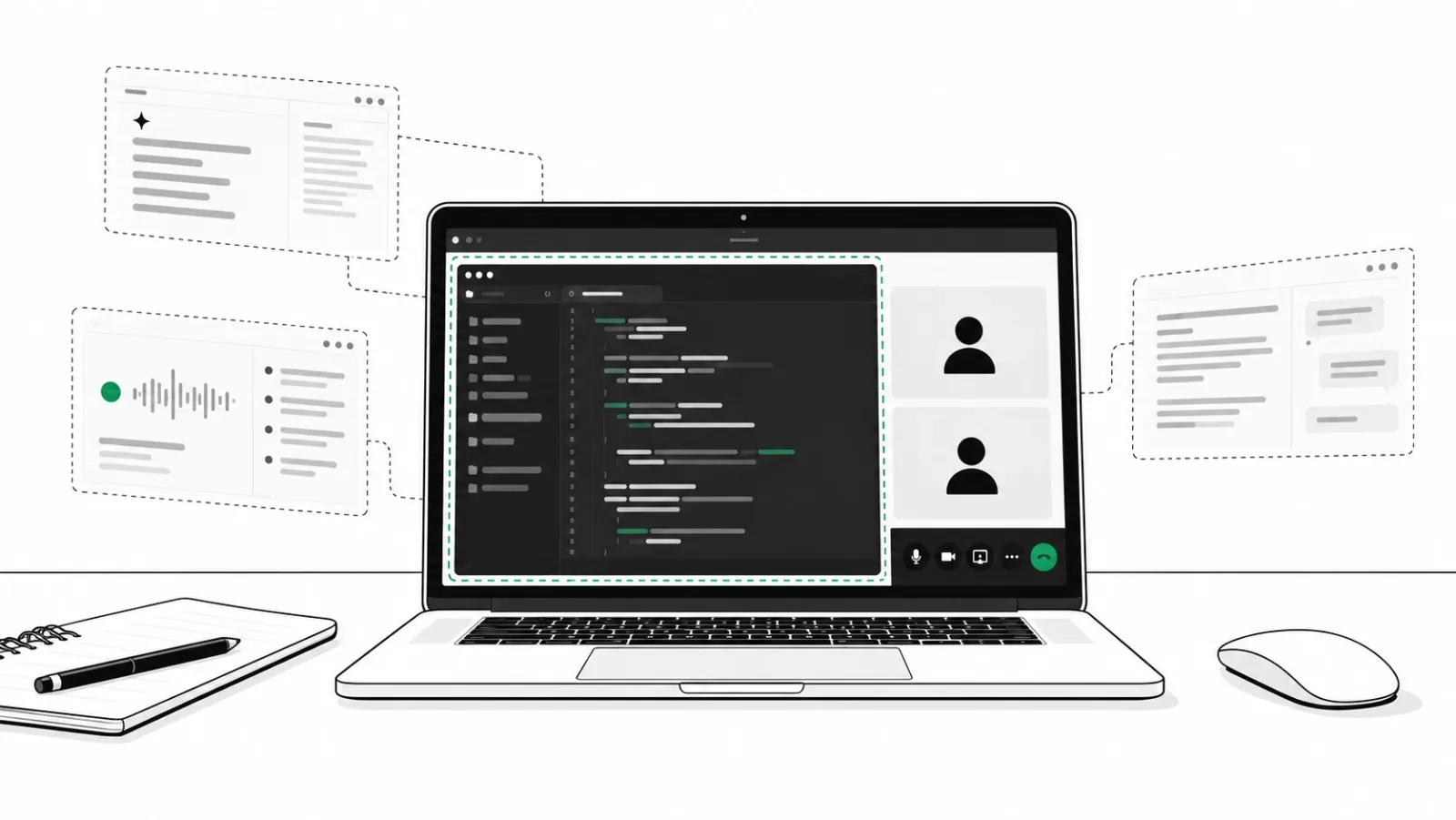
All three run on the candidate's side. A video call carries only their camera, their microphone and whatever they choose to present, so the call itself rarely shows you the tool. This page sets out what each one says about itself, what you can and cannot see, and what to do about it.
The three tools at a glance
| Tool | What it says it is | How it reaches the question | What it says about being seen | What you usually see |
|---|---|---|---|---|
| Interview Coder | A desktop app for technical interviews | Reads the coding task on screen; audio support for live guidance | Overlay hidden when sharing a screen | A clean shared screen |
| Parakeet AI | A real-time AI interview assistant | Detects questions live and suggests answers; reads shared code | Invisible to others; no Dock icon | A normal call, sometimes a pause before answers |
| Otter | A meeting notetaker | Transcribes the call | Its agent joins as a participant; its Chrome extension does not | An Otter participant only if the agent joins |
Everything in the table is each company's own description, read on October 29, 2026. These are claims, not tests.
Interview Coder
What it is, in its own words
Interview Coder describes itself as "a desktop app designed to help job seekers ace technical interviews". Its site offers versions for Windows and Mac and lists "Audio support for real-time guidance". Cluely's founders, Roy Lee and Neel Shanmugam, were suspended from Columbia University for developing it, as TechCrunch reported in June 2025.
How it says it stays hidden
The site says the "Overlay remains hidden when sharing your screen", calls the app "100% Invisible to Screen-Recording", and says it "allows clicks to pass through to underlying windows". It marks a list of interview platforms as "Undetectable".
What you can and cannot see
You see the candidate's face and a shared screen that looks clean. You usually cannot see the overlay, or that the app is running. The claim has limits, though. Interview Coder's own FAQ asks: "Why is Interview Coder visible on Google Meet with Windows 10?"
Parakeet AI
What it is, in its own words
Parakeet AI calls itself "Your Real-Time AI Interview Assistant". It says it "Detects questions live and suggests answers" and "reads code shared on your screen". It says "The desktop app runs on Windows and macOS".
How it says it stays hidden
Parakeet says it "stays completely invisible to others" and is "hidden from the Dock, with no icon or activity indicator". It marks eight video and coding platforms as "Verified" for this.
What you can and cannot see
A normal call, sometimes with a short pause before each answer. Parakeet also says it is "built for conversations where AI assistance is permitted". That is a useful line to quote back: say at the start of an interview whether AI help is allowed.
Otter
What it is, in its own words
Otter is a notetaker. Its site says "Otter transcribes every meeting" and that its agent can "automatically join all your Zoom, Microsoft Teams, and Google Meet meetings". Otter also sells a Recruiting Agent to hiring teams, described as "Get real-time help during interviews". It does not market help to candidates.
Bot or no bot
When Otter's agent joins, it shows in the participant list. Otter's Chrome extension works differently. Its store listing says "No-bot in Google Meet" and "no extra participant joins your call", and adds "You can see live transcript in the meeting." A transcript on the candidate's screen, or read by someone else, does not appear in your view of the call.
Final Round AI, LockedIn AI and other hidden helpers
- Cluely says it is "Invisible to screen share." and "Doesn't join meetings." See whether Cluely can be detected and Cluely vs Interview Coder.
- Final Round AI offers "real-time answers in a private window only you can see". Its FAQ is more careful: its Stealth Mode "is designed to keep" windows "out of supported screen shares and recordings". More in can interviewers detect Final Round AI.
- LockedIn AI says it "Floats over Zoom, Meet and Teams" and suggests a phone: "Prop it next to your laptop".
How “hidden from screen sharing” works
Windows and macOS both let an app ask to be left out of screen capture. Microsoft's documentation says that with this setting "the window does not appear at all" in a capture, while it still shows on the person's own monitor. App frameworks expose it as one switch; Electron's documentation describes it as: "Prevents the window contents from being captured by other apps."
It is not a guarantee. Microsoft's own page says "there is no guarantee" the setting protects content. Electron notes that newer Mac capture "will capture your window despite win.setContentProtection(true)", and Apple describes the older flag as "A legacy constant that macOS no longer uses." So a helper may show up on one computer and not another, which is why watching a shared screen gives you an uncertain answer either way.
Overlay remains hidden when sharing your screen
What interviewers can do on the call
- Say at the start whether AI help is allowed, and ask candidates to close other apps before you begin.
- Ask follow-up questions that build on their own earlier answers.
- Ask them to explain code they just wrote, line by line, in their own words.
- Listen for a second voice, typing while you talk, or an echo of your question.
- Treat a pause as a reason to ask, not as proof.
Interviewers do sometimes catch these tools. One recruiter on Reddit saw a hidden app appear in a screen share, with "options which she was choosing to respond". An engineer described "pauses after each question felt like the AI loading the answers". But a pause also happens to careful, nervous and second-language speakers, so it is a judgment, not a finding. Why that matters is covered in ask for the false-alarm rate.
Why a check on the candidate’s computer works better
Verified Call checks the person on the call, before it starts and while it runs, without joining. It checks for hidden AI answer tools, camera software, face swaps, deepfakes and AI avatars sent through camera software, and someone else answering. It checks that the voice on the call matches the person who did the check.
It works inside the video calls you already run. No bot in the participant list. It checks on the person's own computer, so it sees what a video call cannot carry: a tool hidden from screen sharing, or a face sent in through camera software. Each call is checked fresh. The host sees a plain result, with proof beside any flag, and a person can decline the check and still join with the host's link; the host sees that they declined.
We publish how we test, false alarms included. In our own testing, each of 4 hidden AI answer tools was found in 30 of 30 tries, with 0 of 30 false alarms with no AI tool open and 0 of 30 with everyday apps open (October 4, 2026). Camera software and direct cameras were read right in 20 of 20 live calls (October 2, 2026). Every condition is on the Research page. For the wider market, see cheating detection tools for interviews.
For the wider picture, see how people cheat in job interviews and the interview integrity statistics.
Frequently asked questions
What is Interview Coder?
A desktop app for Mac and Windows that, by its own description, helps job seekers in technical interviews and keeps its overlay hidden when they share a screen.
Is Interview Coder detected on screen share?
Not reliably by watching. It asks the operating system to leave its window out of capture. That does not always work: its own FAQ asks why it is visible on Google Meet with Windows 10.
Is Parakeet AI detectable?
Parakeet says it stays invisible to others and hides from the Dock, so a shared screen usually looks clean. A check on the candidate's own computer sees what a video call cannot carry.
Does Otter show up in a Google Meet interview?
Otter's meeting agent joins as a participant you can see. Its Chrome extension says it records Google Meet with no extra participant and shows a live transcript.
Is Parakeet AI allowed in interviews?
Parakeet says it is built for conversations where AI help is permitted. Set your own rule and say it at the start of each interview.
Answered in other guides
Sources
- Interview Coderinterviewcoder.co home page and FAQRead October 29, 2026
- Parakeet AIparakeet-ai.com home pageRead October 29, 2026
- Otter.aiotter.ai home pageRead October 29, 2026
- Chrome Web StoreOtter.ai: record, transcribe (version 3.11.0)Updated October 2, 2026
- Cluelycluely.com home pageRead October 29, 2026
- Final Round AIfinalroundai.com home page and FAQRead October 29, 2026
- LockedIn AIlockedinai.com home pageRead October 29, 2026
- TechCrunchCluely, a startup that helps cheat on everything, raises $15M from a16zJune 20, 2025
- Microsoft LearnSetWindowDisplayAffinity functionLast updated February 22, 2024
- ElectronBrowserWindow: setContentProtectionRead October 29, 2026
- Apple DeveloperNSWindow.SharingType.noneRead October 29, 2026
- Reddit, r/recruiting and r/ExperiencedDevsInterviewer accounts (anecdotes)October to December 2025
See it on a real call
Book a short demo and we will show the checks on a live call, with the proof the host sees.
Related guides
 Hidden AI toolsCan Cluely be detected in an interview?Why Cluely stays off screen share, the signs that mislead, and how to know a candidate is not reading AI answers before you hire.
 Hidden AI toolsCluely vs Interview Coder: how hiring teams catch themWhat each tool claims, Cluely's funding round by round, what is public about detection, and four ways hiring teams catch them.
 Google MeetGoogle Meet interview cheating detection, with no bot in the callWhy Google Meet and call bots miss hidden AI tools and camera software, and a three-step, bot-free check with a badge in Meet.