
How hidden AI interview helpers stay invisible, in their own words
They ask the computer to leave their window out of screen capture. The candidate sees the answers; your screen share shows what is behind them. Here is how it works, in the vendors' own words, and what works instead.
What the candidate sees
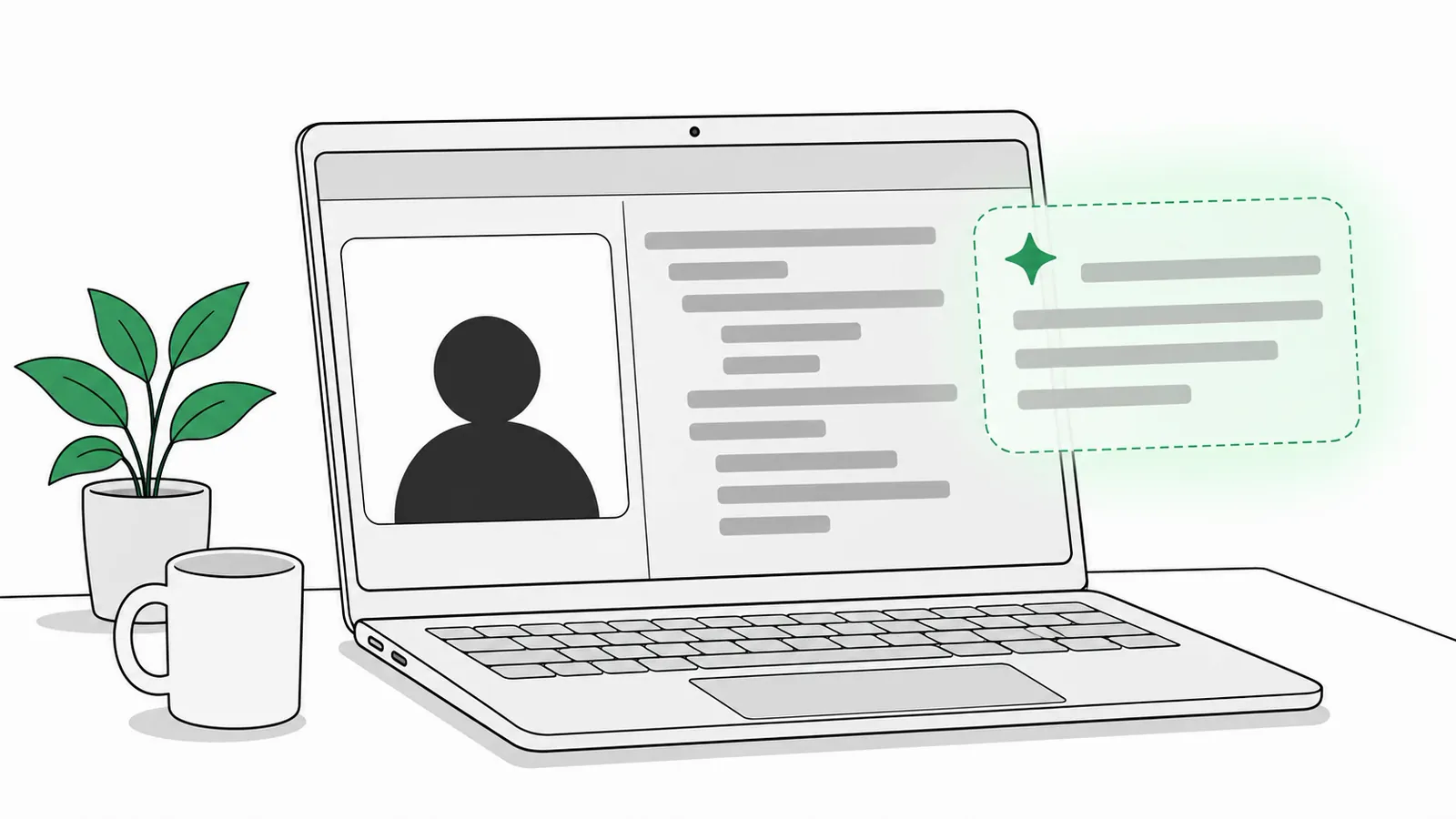
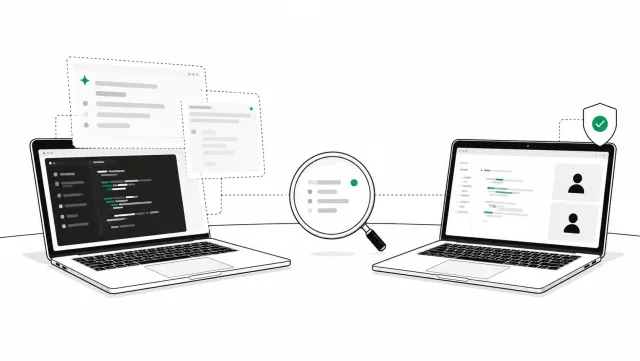
AI answers float on their screen.
What you see on screen share
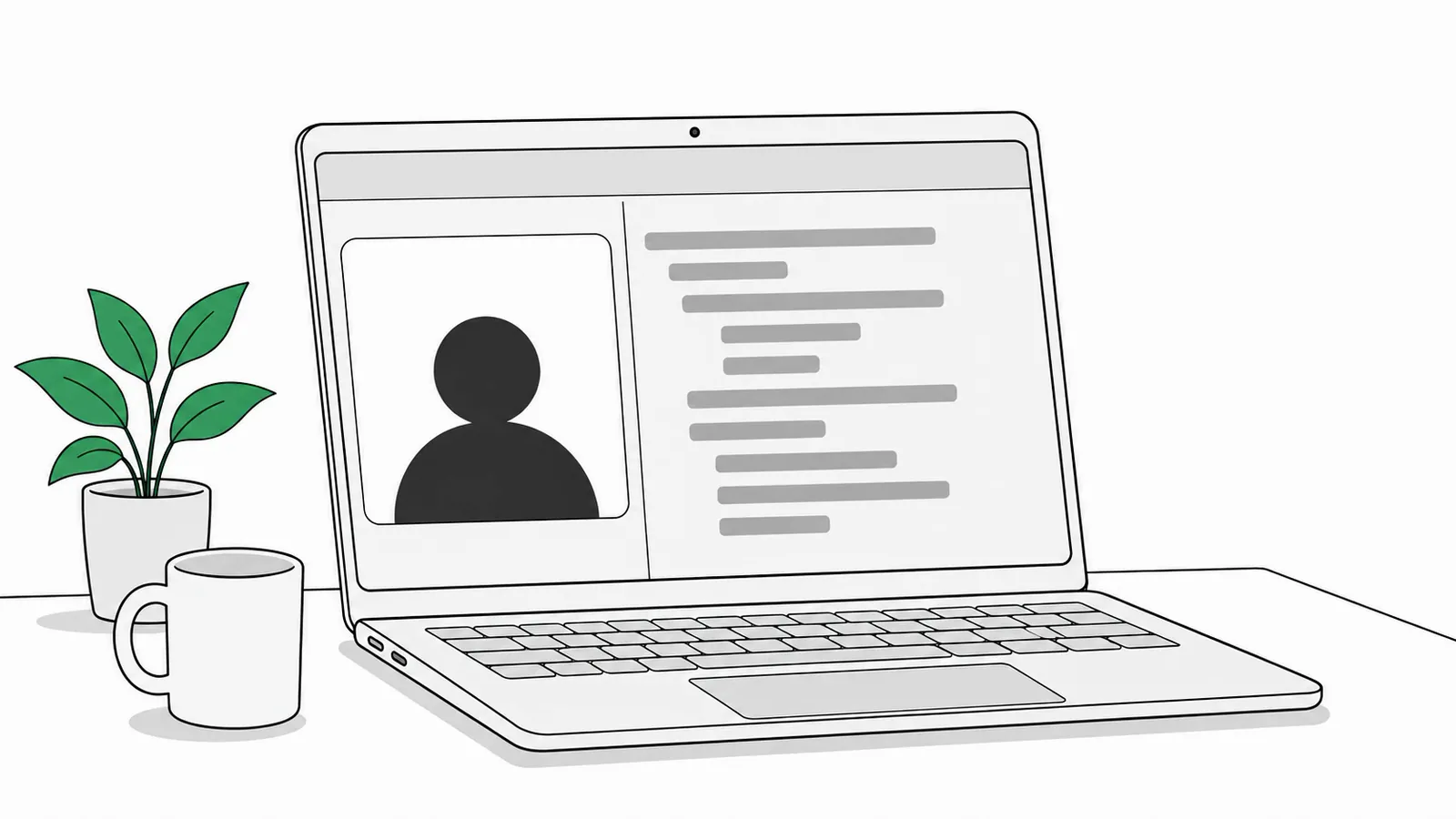
Same moment. The answers are not there.
On this page
How they hide
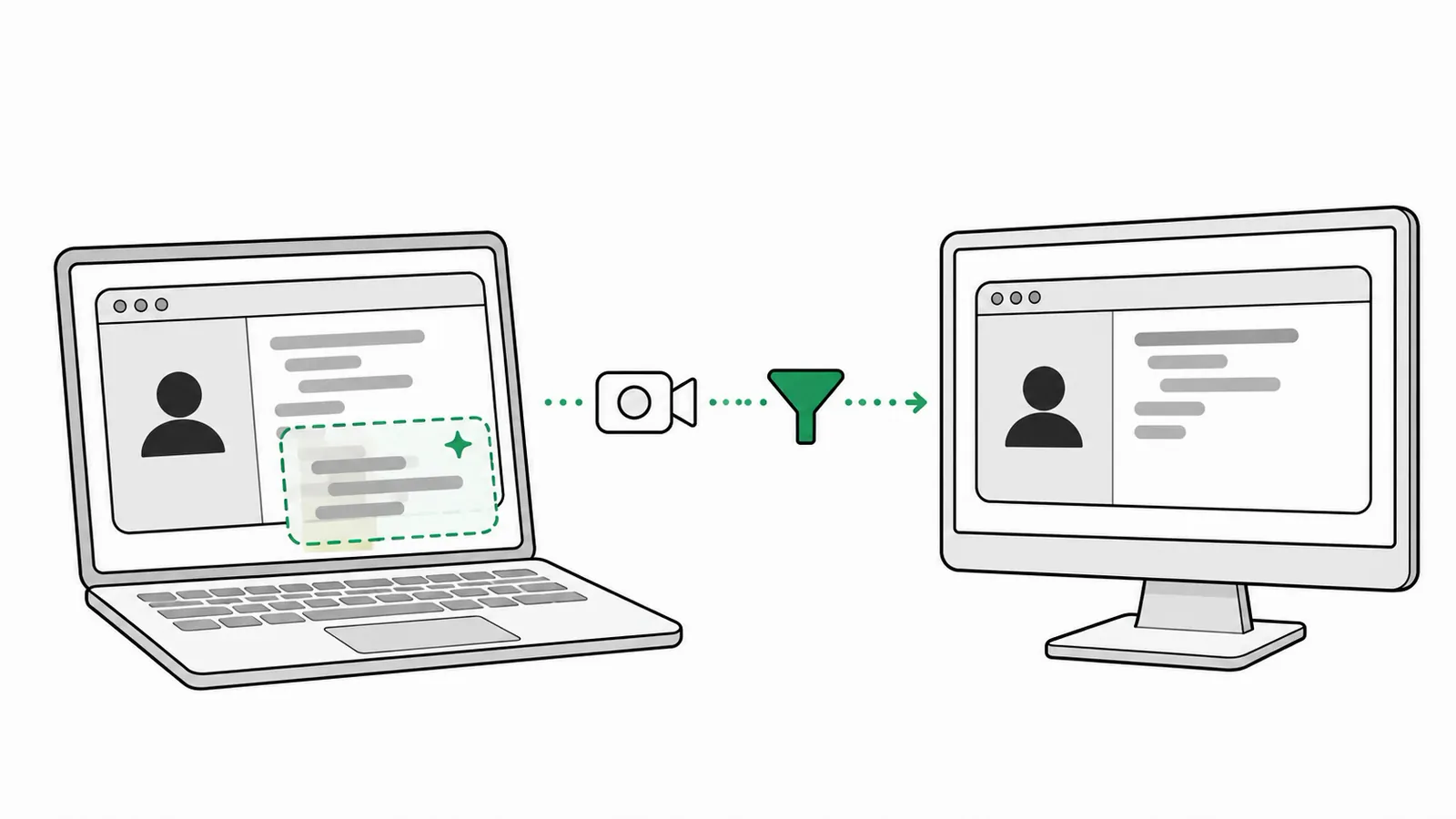
- The helper asks to be left out. Windows and macOS both let an app mark its window as hidden from capture.
- The share skips it. Screen sharing, recording and screenshots get what is behind the window.
- The candidate still sees it. On their own screen, the answers sit right where they read.
On Windows this is the display affinity setting (exclude from capture); on a Mac, the window sharing setting. Apps built with Electron switch it on with one call, content protection. Pluely's docs put it plainly: Screen-capture protection covers Pluely's window
.
In their own words
Short lines from each vendor's own docs or help pages, read on November 10, 2026. Each links to its source.
Share one window
when sharing one window, not full screen share
On when it stays invisible in Microsoft Teams.
CluelyLive Insights docs
Share one window
Share a specific window or tab instead of entire screen
Its first fix when the helper shows up.
Verve AIStealth mode docs
Change one Zoom setting
In Zoom, turn on Advanced capture with window filtering so Zoom honors it
ShadeCoder's help center and Leetcode Wizard's help page name the same Zoom setting.
Parakeet AIPrivacy page
Use a second device
We strongly recommend using the web view on a secondary device
The answers move off the shared computer entirely.
Leetcode WizardDetection help page
Use a second device
use Interview Solver AI Copilot from your phone or tablet
Its companion mode, paired to the desktop app.
Interview SolverCompanion mode docs
Use a second screen
Place Verve AI on second monitor, share primary screen only
Another of its fixes for a share that shows the helper.
Verve AIStealth mode docs
Check the shared view
Join from a second device or inspect the actual shared view
Its advice for testing that the helper is hidden.
Final Round AIFAQ
Still on the computer
Cluely will still be visible in Task Bar and in Activity Monitor
Hidden from the share, but still running on the machine.
CluelyLive Insights docs
What it means for your interviews
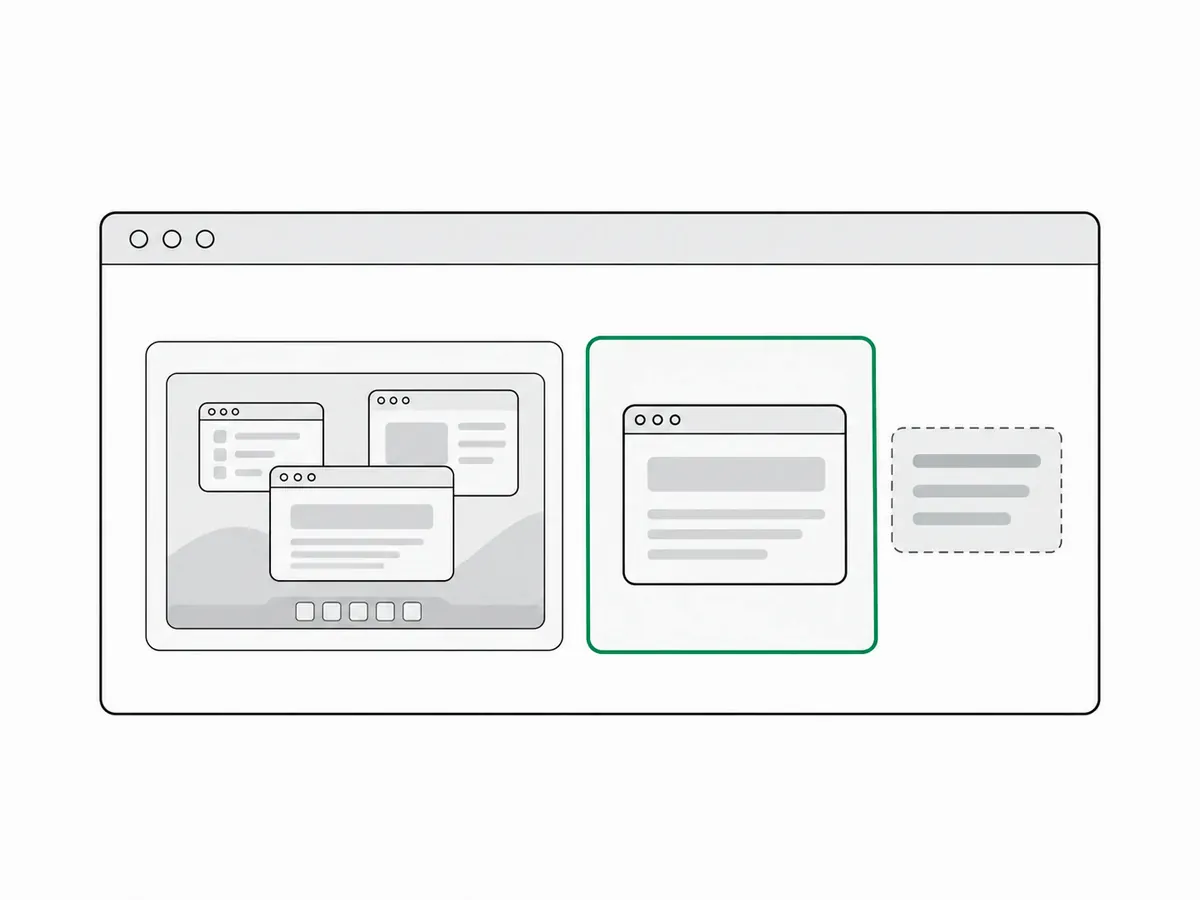
Sharing one window is what hides them best
Cluely, Verve AI and LockedIn AI all point users to a single window or tab, not the whole screen.
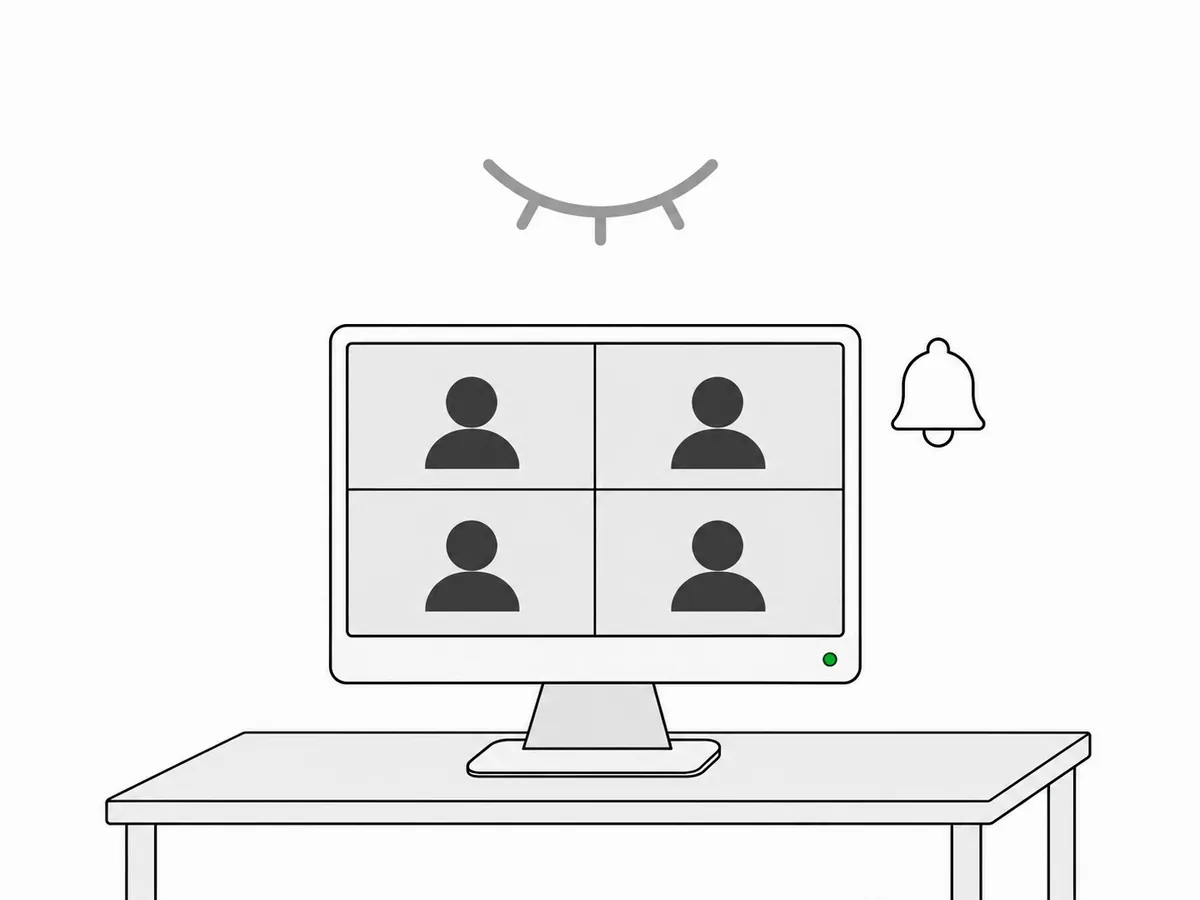
Your screen share looks normal
Parakeet AI's page says a share of the whole screen shows what is behind the hidden window instead.
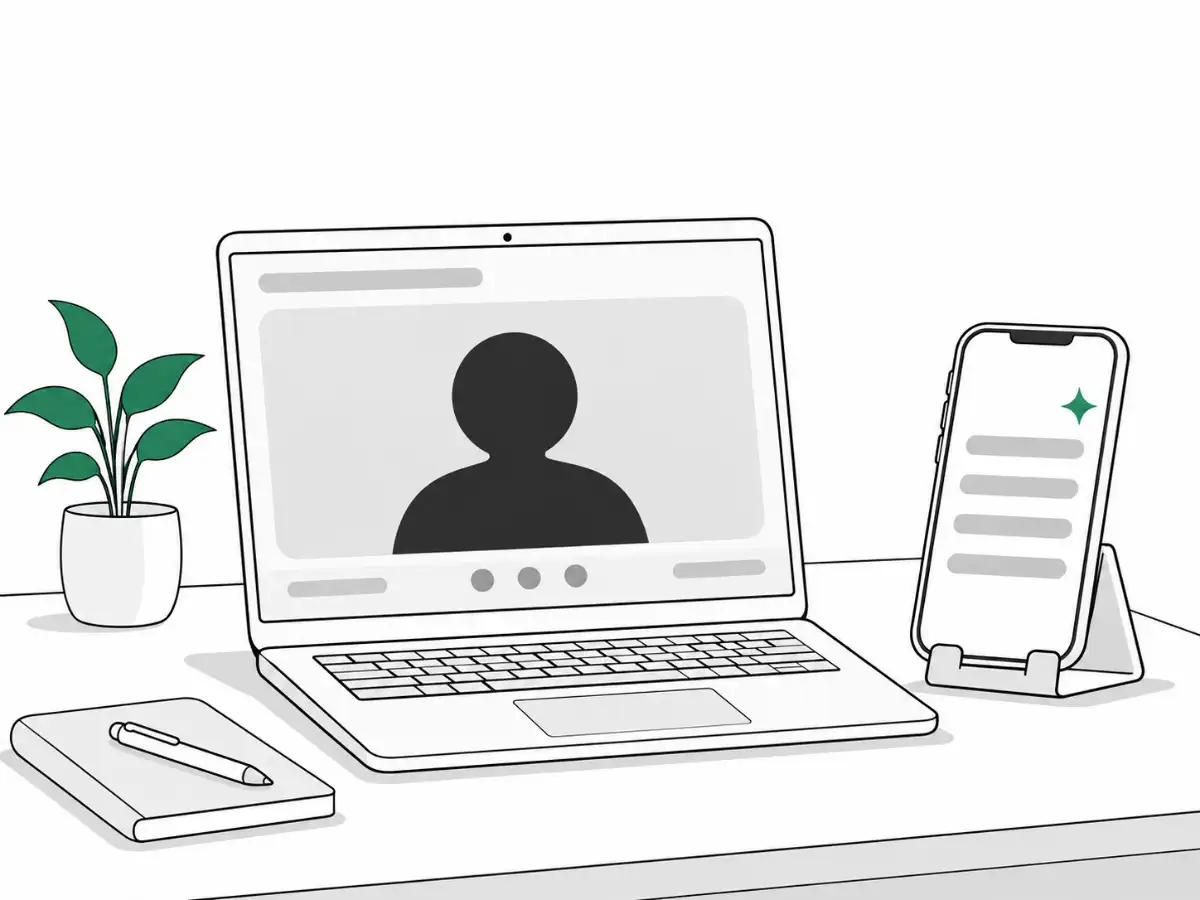
Some move the answers to a phone
Leetcode Wizard and Interview Solver offer a second device mode, away from the shared computer.
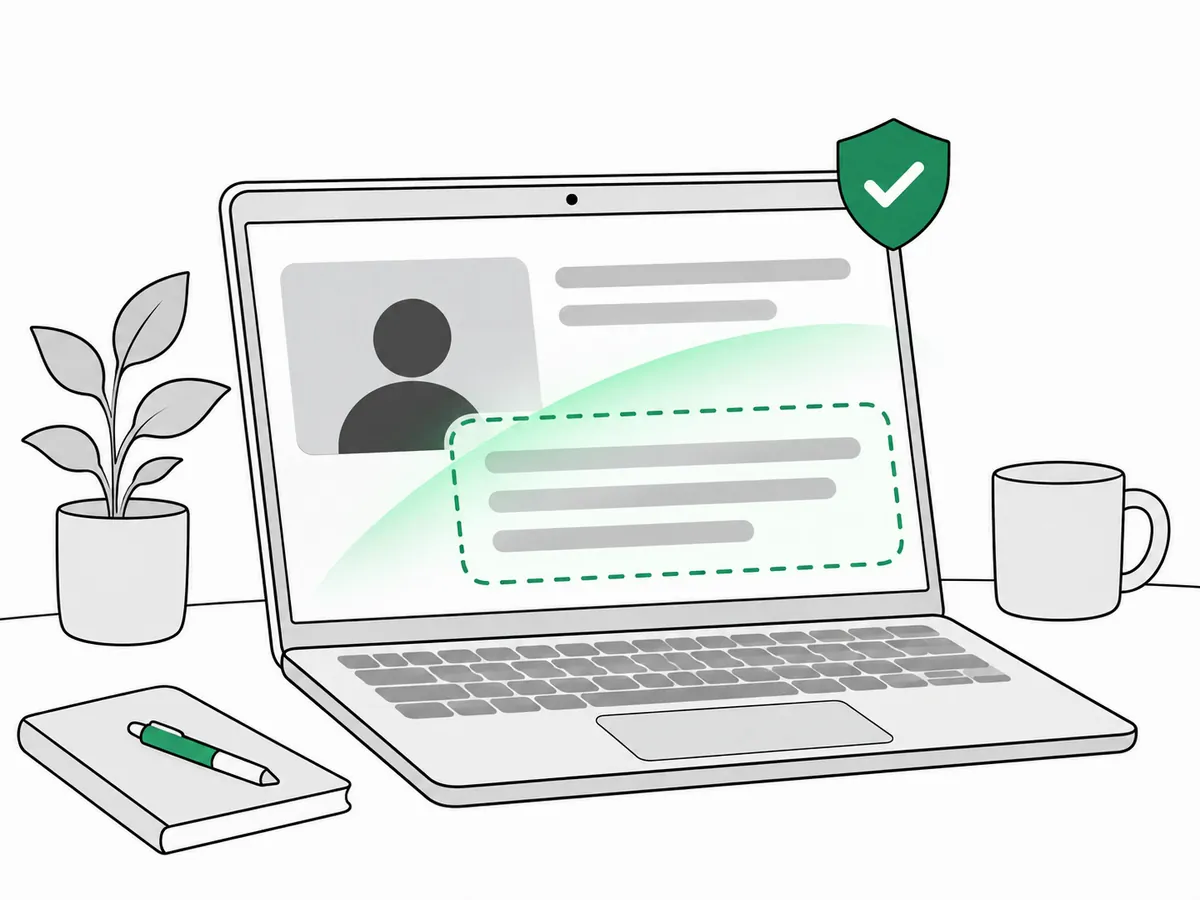
What works: checking the candidate's own computer
With consent, a check on the candidate's own computer can find AI tools hidden from screen sharing.
What we found in our own testing
- 30 of 30
- tries found each of 4 hidden AI tools (October 4, 2026)
- 0 of 30
- false alarms with no AI tool open (October 4, 2026)
- 0 of 30
- false alarms with everyday apps open (October 4, 2026)
Hidden AI tool found: 30 of 30 tries, for each of 4 tools (Interview Coder, OpenCluely, Pluely and Cheating Daddy). Our own testing, October 4, 2026. For the wider picture, see interview integrity statistics.
Frequently asked questions
Can Zoom see Cluely?
Usually not in what is shared. Cluely's own docs say it stays invisible on Zoom on most computers, and several helper vendors tell users to set Zoom's screen capture mode to "Advanced capture with window filtering". The helper window is left out of what Zoom sends, so the interviewer sees no sign of it in the share.
Can Google Meet detect hidden AI tools?
Not on its own. Meet shows the interviewer what the candidate shares, and these helpers ask the computer to leave their window out of that picture. Vendors such as Verve AI tell users to share one window or tab rather than the entire screen. A check on the candidate's own computer can find AI tools hidden from screen sharing.
Can Microsoft Teams see Interview Coder?
Usually not in the shared screen. Interview Coder, like the other helpers, asks the computer to leave its window out of screen capture, so a Teams share shows what is behind the window instead. Cluely's own docs say it stays invisible in Teams when the candidate shares one window, not the full screen.
Sources
- CluelyLive Insights (docs, section 7: Invisibility)Read November 10, 2026
- Parakeet AIHow ParakeetAI keeps your interview privateRead November 10, 2026
- ShadeCoderHow to ensure ShadeCoder is invisible in Zoom (help center)Read November 10, 2026
- Leetcode WizardDetection (help page)Read November 10, 2026
- Verve AIStealth mode (docs)Read November 10, 2026
- Interview SolverCompanion mode (docs)Read November 10, 2026
- LockedIn AIMac audio and screen share (docs)Read November 10, 2026
- Final Round AIFrequently asked questionsRead November 10, 2026
- PluelyStealth and privacy (docs)Read November 10, 2026
- Microsoft LearnSetWindowDisplayAffinity function (WDA_EXCLUDEFROMCAPTURE)Read November 10, 2026
- Apple DeveloperNSWindow sharingTypeRead November 10, 2026
- ElectronBrowserWindow: setContentProtectionRead November 10, 2026
- Verified Call researchHidden AI tools: each of 4 tools, 30 tries, false alarmsTested October 4, 2026
See it on a real call
Book a short demo and we will show the check on a live call, including how hidden AI tools appear to the host.
Related guides
 Hidden AI toolsCan Cluely be detected in an interview?Why Cluely stays off screen share, the signs that mislead, and how to know a candidate is not reading AI answers before you hire.
 Hidden AI toolsCluely vs Interview Coder: how hiring teams catch themWhat each tool claims, Cluely's funding round by round, what is public about detection, and four ways hiring teams catch them.
 AI helpersInterview cheating tools: what hiring teams should knowThe AI tools candidates use, named: what each one claims, what a host can see, and what hiring teams can do about it.